Skip to content

The Machine · Recipes

Roll Call

Prototype stage

Updated 2026-10-19

A small app that reads out the names of the guests who are present, over and over: "Jane Doe, present. John Smith, present."

Overview

Building
Under an hour
Difficulty
Easy
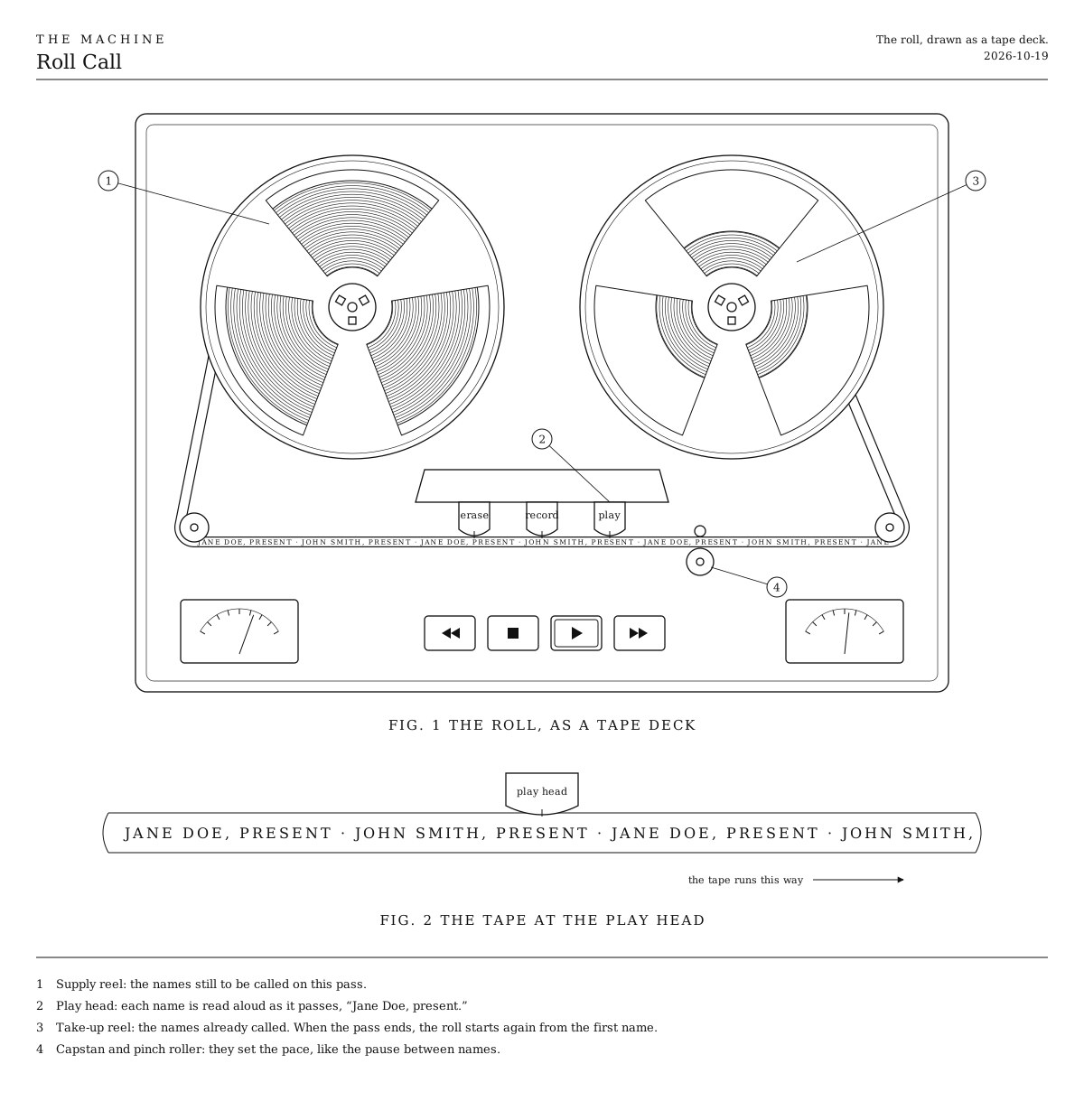
The roll as a tape deck. A way to picture it. The guest list is wound on one reel, each name is read aloud at the head, and the names already called wind up on the other reel.
Fig. 1The roll as a tape deck. A way to picture it. The guest list is wound on one reel, each name is read aloud at the head, and the names already called wind up on the other reel.

How it works

  • The app takes a list of guest names and reads each one aloud as “Jane Doe, present.” with a short pause between names. After the last name it starts again from the top with the same pause, so it sounds like one endless loop.
  • Each time through the list is a pass, and a pass doesn’t change once it starts. As its last name begins, the next pass is taken from the latest list, so a guest checked in by then is heard on the very next pass, with no gap and no restart. Someone checked in during that last name joins the pass after.
  • Only guests ticked in at the door are read. Until the first one arrives, it waits in silence.
  • The screen shows the pass being read with the current name marked, and the next pass once it is ready, with new arrivals marked.
  • The voice is the speech built into the web browser and the computer, so there is no account and nothing to pay for.

Parts

Ingredients

KindPart
SalvagedA laptopAny recent one. It runs the app and speaks the names, so it stays with the sound for the whole show.
SalvagedA speaker, or the venue's sound systemWith a cable from the laptop's headphone socket or USB.

Tools

  • Chrome, Safari or Edge. The voices come with the browser and the computer.

Assembly

  1. 1

    Open the Roll call app in Chrome, Safari or Edge on the laptop that will play the roll.

    CheckA short sample list is filled in. Press Play and it reads the names aloud, over and over.

  2. 2

    Connect the laptop to the speaker or the venue's sound system.

    CheckThe names come from the speaker, not from the laptop.

  3. 3

    Export the guest list from the ticketing site and paste it in, one name per line.

    TrickyExports rarely read well aloud. Turn "DOE, JANE" into "Jane Doe" and drop any extra columns. Two guests with exactly the same name are read only once.

    CheckThe number beside "Guest list" matches the number of guests.

  4. 4

    Choose a voice, a rate and a pause, then listen to a whole pass.

    TrickyBuilt-in voices stumble on unusual names. Respell a name the way it sounds, in the guest list itself, until it comes out right.

    CheckEvery name is clear enough for its owner to recognize.

  5. 5

    Before the doors open, set Read to "Present only" and press Play.

    CheckIt waits in silence until the first guest is ticked in.

  6. 6

    Tick each guest in at the door as they arrive.

    TrickyThe door and the sound share one laptop, so whoever ticks guests in works on the screen that plays the roll. Keep the app in front, because browsers slow down pages in the background, which can stretch the pauses.

    CheckThey appear in the next pass, marked New, and are read on it.

Tuning

Tuning

Rate
From half to twice the voice's normal pace. Slower sounds more like a person calling the roll; faster brings a long list round sooner.
Pause between names
Starts at 0.6 seconds. The same pause falls between every name and from the last name back to the first, so the loop has no seam. Longer feels more ceremonial.
Voice
The choice is whatever the browser and computer offer, so it differs from one laptop to the next. Pick it on the laptop that will play the show. A Mac offers dozens, some of them novelty voices.
Where new arrivals go
"At the end" reads guests in the order they arrived, so the roll grows at its tail and the newest name is always the last before it starts again. "In their place" reads them in guest-list order, so a new name turns up wherever it falls in the list.

Variations

The ticketed list only
The simpler version. Read every name on the guest list from the start, with nobody at the door. In the app, set Read to "Whole list".
Recorded clips
A voice service records each pass as a single clip, which allows richer voices than the browser's own. Making a clip takes time, so the next one starts while the current one plays, early enough to be ready before it ends.
Check-in from a second device
A phone at the door ticks guests in while the laptop plays the roll elsewhere in the room. The two would share the list over the network.
Wristbands that sense who is near
Each guest wears a wristband with a small chip, and the roll reads only the guests close to it, so the names change as people move through the room. Bluetooth beacon wristbands give a rough distance across a room and are the likeliest fit. Festival-style RFID wristbands are read only at fixed points a few meters away, and NFC only at a tap, which suits checking in at the door.